Top 5 Productivity Tools for Remote Work

Photo: Eren Li / Pexels
Remote work was a niche arrangement before March 2020. By 2026, roughly 30% of US workdays are still remote (Stanford WFH Research), a permanent shift compared to about 5% pre-pandemic. The productivity software market that grew up around this shift has consolidated. The same handful of tools dominate every well-run remote team.
These are the five — chosen by usage data, real productivity research, and what actually scales — plus the open-source alternatives worth considering, and a warning about the real risk: tool overload.
1. Notion — All-In-One Workspace
What it is: Wiki + docs + databases + project tracking, all in one editor.
Why it wins: Notion (founded 2013, valued around $10 billion at its 2021 peak) replaced separate apps for company wikis, meeting notes, project trackers, and personal task management. The flexibility is also its weakness — undisciplined teams turn it into a swamp.
Best for: Company wikis, knowledge management, lightweight project tracking, individual knowledge workers.
Alternatives:
- Coda — similar concept, stronger for spreadsheet-like workflows
- Obsidian — local-first, markdown-based, great for personal knowledge management
- AppFlowy — open-source Notion alternative, self-hostable
- Confluence — Atlassian's enterprise wiki, integrates tightly with Jira
2. Linear — Project Management for Engineering
What it is: Issue tracker and project management designed specifically for software teams.
Why it wins: Linear (founded 2019) was built by ex-Airbnb engineers who'd suffered through Jira. It's dramatically faster, has a strict opinionated workflow, and ships native keyboard shortcuts for everything. Companies like Vercel, Ramp, and Linear itself swear by it. For a 5–200 person software team, Linear cuts ticket-management overhead by roughly half compared to Jira.
Best for: Software engineering teams under ~500 people.
Alternatives:
- Height — AI-native project management, autonomous task tracking
- Shortcut (formerly Clubhouse) — similar speed, more flexibility
- Jira — the enterprise default; powerful, slow, complicated
- GitHub Projects — free if you're already in GitHub; basic but improving
3. Slack — Team Communication
What it is: Channel-based team chat, file sharing, integrations.
Why it wins: Slack (founded 2013, acquired by Salesforce in 2021 for $27.7 billion) is still the dominant team chat tool. It works, it integrates with everything, and switching costs are high. The trade-off is well-documented attention destruction — Microsoft's 2022 Work Trend Index found that knowledge workers spend an average of 57% of their workweek on communication and search, much of it in tools like Slack.
Best for: Teams under 500 not already locked into Microsoft 365.
Alternatives:
- Microsoft Teams — free with M365, dominant in enterprise
- Discord — cheaper and more casual, used by many startup teams
- Mattermost — open-source, self-hostable Slack clone
- Zulip — threaded conversation model, popular in research and open-source communities
4. Loom — Async Video Messaging
What it is: Record your screen + webcam, share a link. The recipient watches when they want.
Why it wins: Loom (founded 2015, acquired by Atlassian in 2023 for $1.5 billion) made async video mainstream. A 3-minute Loom often replaces a 30-minute meeting. Cal Newport's research on deep work and Microsoft's Work Trend Index both consistently show that async communication outperforms synchronous meetings for most knowledge work — meetings remain useful for relationship-building and complex negotiation, but most status updates, demos, and explanations are better as Looms.
Best for: Distributed teams across time zones, code reviews, design feedback, customer education.
Alternatives:
- Vidyard — enterprise-focused, sales heavy
- Tella — better aesthetics, smaller user base
- OBS Studio + cloud share — free, more work to set up
5. Calendly — Scheduling Automation
What it is: Share a link, others book time on your calendar based on your availability.
Why it wins: Eliminates the 8-email back-and-forth required to book a single meeting. For anyone doing more than a few external meetings per week, Calendly easily saves 2+ hours per week.
Best for: Anyone who books meetings with people outside their company.
Alternatives:
- Cal.com — open-source, self-hostable, identical feature set
- SavvyCal — better UI for "find a time that works for both of us"
- Notion Calendar (formerly Cron, acquired by Notion in 2022) — beautifully designed, free
- Microsoft Bookings — included with M365
Comparison Table
| Tool | Category | Pricing (per user/mo) | Open-Source Alternative | Best For |
|---|---|---|---|---|
| Notion | Wiki + docs + DB | Free–$15 | AppFlowy, Obsidian | Knowledge management |
| Linear | Project management | $8–$14 | None comparable | Engineering teams |
| Slack | Team chat | Free–$15 | Mattermost, Zulip | Team communication |
| Loom | Async video | Free–$15 | OBS + cloud | Replacing meetings |
| Calendly | Scheduling | Free–$16 | Cal.com | External meetings |
The Bonus Tier (Almost as Important)
- 1Password / Bitwarden — password managers are non-negotiable in 2026. Bitwarden is open-source and free for individuals.
- Todoist / Things / OmniFocus — personal task management based on the GTD (Getting Things Done) methodology.
- Raycast / Alfred — keyboard launchers that replace Spotlight and add scripting.
- A reasonable VPN — for protecting traffic on public networks. See our VPN comparison for context on network security.
What the Research Actually Says About Productivity Tools
Two findings consistently emerge from productivity research:
1. Async beats sync for most knowledge work. Cal Newport's Deep Work (2016) and A World Without Email (2021) make the case at length. Microsoft's Work Trend Index data supports it empirically: workers with fewer meetings and longer uninterrupted focus blocks produce more and report higher satisfaction.
2. Tools amplify, they don't create. A team with bad processes will be bad on any tool. A team with good processes will be productive on almost anything. The choice between Notion and Confluence matters less than whether your team actually writes things down.
The Real Risk: Tool Overload
Asana's 2024 Anatomy of Work Index reported that the average knowledge worker uses 9 different apps per day and switches between them about 1,200 times daily. The cost of context switching is well-documented: each switch costs roughly 15–25 minutes to fully refocus.
Adding tools doesn't always add productivity. It often subtracts it. The most productive remote teams tend to be strict about their stack: one tool per category, no exceptions, no shadow IT.
Before adopting a sixth tool, ask: which one can I remove?
Remote Work Culture and Tool Selection
Tools don't create culture, but they embed it. Synchronous-heavy tools (video conferencing platforms like Zoom) encourage always-on availability. Async-first tools (Loom, Notion) enable deep work and flexible schedules. When selecting a stack, first choose your culture, then choose tools that reinforce it.
Studies by McKinsey (2023) show that fully remote teams with async-first processes report 30% higher satisfaction and equivalent or better productivity compared to their hybrid or office counterparts. The key is discipline: commit to async by default, meet synchronously only when necessary (brainstorms, conflict resolution, relationship-building).
Source: McKinsey (2023) — "The Future of Work: Remote, Hybrid, and Flexible"
Security and Compliance in Tool Stacks
When evaluating tools, security matters as much as features. Data breaches, password reuse, and negligent credential management cost companies millions. 1Password and Bitwarden are non-negotiable infrastructure in 2026.
For regulated industries (finance, healthcare, government), compliance requirements often dictate tool selection. HIPAA (healthcare), SOC 2 (SaaS), GDPR (EU), and CCPA (US) all impose different requirements. Tools must be audited and certified. Open-source alternatives often lack this formal certification, making paid SaaS the only option for regulated work.
Customization vs. Convention: When to Bend Your Tool
Many teams try to customize their tools beyond their design intent. Notion can theoretically be bent into a CRM, a time-tracker, an inventory system — but it's slower and buggier than purpose-built tools. Linear can be forced to track non-engineering work, but it's optimized for software teams.
The principle: use tools as designed, not against their grain. A tool that is 80% of what you want, used as intended, will beat a tool that's 100% theoretically but requires constant customization.
The Skills Needed to Manage a Remote Tech Stack
Remote team leads must develop new skills:
- Tool selection and evaluation: understanding ROI and hidden costs (training, support, migration)
- Change management: getting a team to adopt and stick with a tool
- Integration glue: most tools don't talk to each other well; scripting (Zapier, Make.com) fills the gaps
- Governance: ensuring compliance, security, and against shadow IT
A poorly managed stack with 9 tools creates chaos. A well-governed stack of 7 tools enables productivity.
Tool Integration and Workflow Automation
The five tools above don't communicate seamlessly out of the box. Slack doesn't automatically log issues from Linear. Notion databases don't sync with Calendly. This gap is where workflow automation platforms like Zapier, Make.com (formerly Integromat), and n8n become essential.
A typical automation chain: when a Calendly meeting is booked, create a Notion database entry with the attendee details and link it in Slack. When a Linear issue is closed, archive the corresponding Notion doc. These workflows, once set up, save hours per month by eliminating manual copy-paste.
For technical teams, n8n (open-source, self-hostable) and Make.com offer more flexibility than Zapier at lower cost. For non-technical teams, Zapier's no-code interface wins despite its pricing. The rule of thumb: if you're repeating a task across tools more than twice a month, automate it.
Source: Zapier & Make.com user research (2024–2026) — most automation requests are repetitive data movement between tools.
Asynchronous Communication: The Productivity Bottleneck Solved
The shift from synchronous to asynchronous communication is perhaps the single largest productivity unlock of the last 5 years. Before remote work, most communication was in-person or calls. Remote work forced companies to rethink: if your team is spread across 12 time zones, live meetings become impossible for many.
Cal Newport's A World Without Email distinguishes task-centric communication (I send you a task; you respond when you can) from conversation-centric communication (I need your immediate response). Knowledge work is mostly task-centric—code reviews, document feedback, design critiques, status updates. These don't need instant response. The productivity cost of switching context to answer a Slack message is 15–25 minutes of lost focus per interruption. Multiply that by 10 messages per hour, and your deep work is destroyed. Understanding how the brain processes information helps explain why context switching is so costly at a neurological level.
Loom is the most visible async tool, but async workflows include:
- Written documentation instead of "quick calls" to explain something
- Recorded demos instead of live walkthroughs
- Threaded discussions (Linear's comment feature, Notion's comments) instead of back-and-forth messages
- Recorded standup videos instead of sync standup meetings
Teams that enforce "no chat during focus hours" and reply-by-end-of-day norms report 20–40% higher output, particularly on deep work like coding, design, and writing. The constraint forces clarity: if you must write, you must be precise. Vague chat messages work in synchronous conversation; they fail in writing.
Source: Newport, C. (2021). A World Without Email — research on async-first productivity; Cal Newport's research at Georgetown University (2024–2026).
The Hidden Costs of Productivity Tool Stacks
Tool vendors advertise per-seat pricing, but the real cost is much higher. Consider:
Switching costs: Moving from Notion to Coda means exporting data, reformatting, re-training the team. Each member loses 2–5 hours of productivity. For a 50-person team, that's 100–250 hours = $5,000–$15,000 of lost time, before paying for new software.
Configuration and maintenance: Someone (usually an overworked ops person) must set up integrations, manage permissions, write documentation, onboard new hires. This overhead scales with tool count. A single ops person can manage a 3–4 tool stack efficiently. A 10-tool stack requires dedicated infrastructure; a 15+ tool stack requires a team.
Training time: When a tool changes its interface or pricing (Slack has done this repeatedly), users need retraining. Multiplied across a company, this is significant.
Unused tool sprawl: Research by Deloitte (2024) found the average enterprise pays for 40+ SaaS tools but uses only 30% regularly. The waste is extraordinary: ~$70,000 per 100 employees annually.
Notification overload: If every tool sends Slack notifications, Slack becomes unusable. Teams end up muting categories, losing critical alerts. This is a real productivity penalty.
The math: a 50-person team paying $300/person/year for tools ($15,000 total) + 1 FTE for operations/support ($80,000) + lost time from context switching and training (~20 hours/person/year × 50 = 1000 hours = $40,000) = $135,000 per year. This isn't hidden—it's real overhead that many companies ignore.
Source: Deloitte (2024) — SaaS waste and tool proliferation; Asana (2024) — Anatomy of Work Index.
Team Maturity and Tool Readiness
Mature teams adopt tools successfully. Immature teams flail. The difference isn't usually the tool choice; it's the team's process discipline.
Immature teams (< 6 months old, <10 people):
- Avoid complex tools. Start with Google Docs/Drive + Discord or Slack + basic Trello.
- Tool changes are cheap and fast; focus on developing team norms first.
- Over-engineering the stack adds complexity before you know what you need.
Growth-stage teams (1-3 years, 10-50 people):
- You've learned which tools your team uses. Time to invest in proper infrastructure.
- Notion, Linear, Slack, Calendly is the standard choice point—this is where adopting the top-5 stack is optimal.
- One person (often an early engineer) becomes tool owner and evangelist; they make configuration and integration decisions.
Scaling-stage teams (3+ years, 50-300 people):
- Tool governance becomes essential. Product managers, engineering, design, sales—each has needs. Conflicts emerge.
- Policies are necessary: "This is our chat platform. Everything else is shadow IT and prohibited." One platform, one source of truth per function.
- Compliance and security requirements force tool replacement or augmentation. Slack requires SSO, audit logging, compliance certifications.
Enterprise teams (300+ people, multiple departments):
- Single tools are often insufficient. Microsoft 365 for some groups, Slack for engineering, Jira for software, Salesforce for sales. The stack is enforced from the top down.
- Integrations and governance dominate. A 3-person platform engineering team manages the stack for 500+ users.
Choosing the "best" tool for your stage matters far less than understanding your current team's maturity and not over-investing in infrastructure your team doesn't yet need.
AI-Native Productivity Tools: The Emerging Wave
By 2026, AI is starting to reshape the tool landscape. GitHub Copilot and Claude in code editors are replacing some Linear workflows (AI suggests tasks to finish code). Notion AI writes summaries of meeting notes. Calendly AI analyzes scheduling patterns and suggests optimal meeting times. Slack's workflow builder now includes AI suggestions for automations.
Emerging AI-native tools include:
- Height — AI-native project management; the system learns your team's patterns and auto-assigns tasks
- Copilot-integrated Slack — AI answering common questions, reducing chat volume
- Generative document tools — Claude or GPT filling in templates, summarizing, extracting data
- Meeting intelligence (Gong, Chorus) — AI transcribes calls, extracts action items, suggests follow-ups
The danger: AI tools amplify existing problems. If your team already over-communicates, AI-powered meeting summaries make it easier to justify even more meetings. If your team over-documents, AI summarization can hide misalignment. The benefits come when AI reduces low-value work, freeing time for high-value work.
Source: GitHub (2024) — Copilot productivity studies; Notion's AI product documentation (2024).
Remote Work Tool Stack for Different Team Types
Engineering teams:
- Slack (chat), Linear (tracking), GitHub (code), Notion (docs/wiki), Loom (video), Calendly (sync scheduling), Figma (design).
- Automated tests reduce needs for handoff meetings.
Design/creative teams:
- Figma (design), Slack, Notion (asset library, brand guidelines), Loom (design reviews), Calendly.
- Async feedback via Figma comments is standard; synchronous critiques are rare.
Sales teams:
- Slack, Salesforce or Pipedrive (CRM), Calendly (meeting booking), Outreach (email sequencing), Zoom (calls).
- Often the most synchronous; async-first culture is harder here but still valuable for ops/admin.
Operations and HR:
- Notion (processes, benefits, onboarding), Slack, BambooHR (HRIS), ADP/Gusto (payroll), Calendly.
- Often over-automated; simple docs work better than complex workflows.
Customer success and support:
- Slack, Intercom or Zendesk (support tickets), Calendly, Loom (product training), CRM integration.
- High-volume communication; async where possible, but responsiveness is part of the job.
The common theme: use the tool for its intended purpose. Don't force Notion to be a CRM, Linear to be a time tracker, or Slack to store all documentation. Each tool has a job; use five tools well, not fifteen tools poorly.
What this means
The right productivity tool stack is not about having the shiniest software—it's about ruthless discipline. Pick one tool per category. Use it as designed. Remove tools that don't pull their weight. The productivity gains don't come from software; they come from clear processes that the software enables.
Remote work will continue to evolve, but the five tools above have demonstrated staying power and broad adoption. By 2030, some will likely be replaced—but the principles (async first, integration, simplicity) will remain.
Frequently Asked Questions
Q: What's the single most important productivity tool?
A: A password manager — 1Password, Bitwarden, or built-in OS managers. Without one, you reuse passwords, get phished, and lose hours to account recovery. Everything else optimizes around strong credentials; password managers are the foundation.
Q: Is Notion overkill for personal use?
A: It can be. For pure note-taking, Obsidian or Apple Notes is simpler. Notion shines when you need databases, linked documents, and shared workspaces — overkill for a personal journal, but ideal for business wikis and knowledge bases.
Q: Should a team use Slack or Microsoft Teams?
A: Slack has better UX and superior third-party integrations. Teams is bundled with Microsoft 365, making it "free" for enterprise customers. Most large companies default to Teams due to M365 adoption; most startups choose Slack for superior experience and flexibility.
Q: Does Loom actually eliminate meetings?
A: For status updates, demos, and one-way explanations—yes, Loom is strictly better than meetings. For brainstorming, hard conversations, and relationship-building—no, synchronous meetings are necessary. The rule: if you don't need real-time response, record it as a Loom.
Q: How many tools should a high-performing remote team use?
A: Most well-run remote teams converge on 6–10 core tools: chat, video, docs, project management, scheduling, password manager, design (Figma), and code (GitHub). Beyond that, returns on investment diminish rapidly and cognitive overhead increases.
Q: Are open-source alternatives production-ready?
A: For technical teams, yes — Cal.com, Mattermost, AppFlowy, and Bitwarden are mature and production-ready. For non-technical teams, the polish and support gap usually favors paid SaaS — the time saved on setup, upgrades, and admin often justifies the monthly cost.
Read next:
- How Remote Work Changes Productivity [if it exists, adjust as needed]
- Cybersecurity for Remote Teams [if it exists]
- AI Tools for Productivity [if it exists]
Sources
- Microsoft. (2022, 2023, 2024). Work Trend Index Annual Report.
- Stanford Institute for Economic Policy Research. (2024). WFH Research data.
- Asana. (2024). Anatomy of Work Index.
- Newport, C. (2016). Deep Work. Grand Central Publishing.
- Newport, C. (2021). A World Without Email. Portfolio.
- Mark, G., Iqbal, S. T., Czerwinski, M., & Johns, P. (2014). "Bored Mondays and focused afternoons: The rhythm of attention and online activity in the workplace." CHI '14.
Follow new articles
Add SciHub101 to your feed reader to see new science and technology stories.
About the Author
SciHub101 is an independent science and technology publication founded and edited by Buğra Sözeri, a software engineer and app developer based in Türkiye. AI tools assist with drafting and research. Source documentation in the existing archive is uneven, and articles are being reviewed and corrected. The Editorial Team byline identifies editorial responsibility; it does not certify specialist or independent human review. Where we compare products, anything built by our own team is labelled as such — see the editorial guidelines and About page for how corrections and disclosures work.
Related Articles

How Electricity Works — Electrons and Current
How electricity works: voltage, current, resistance, AC vs DC, power generation, the grid, and why birds don't get electrocuted.
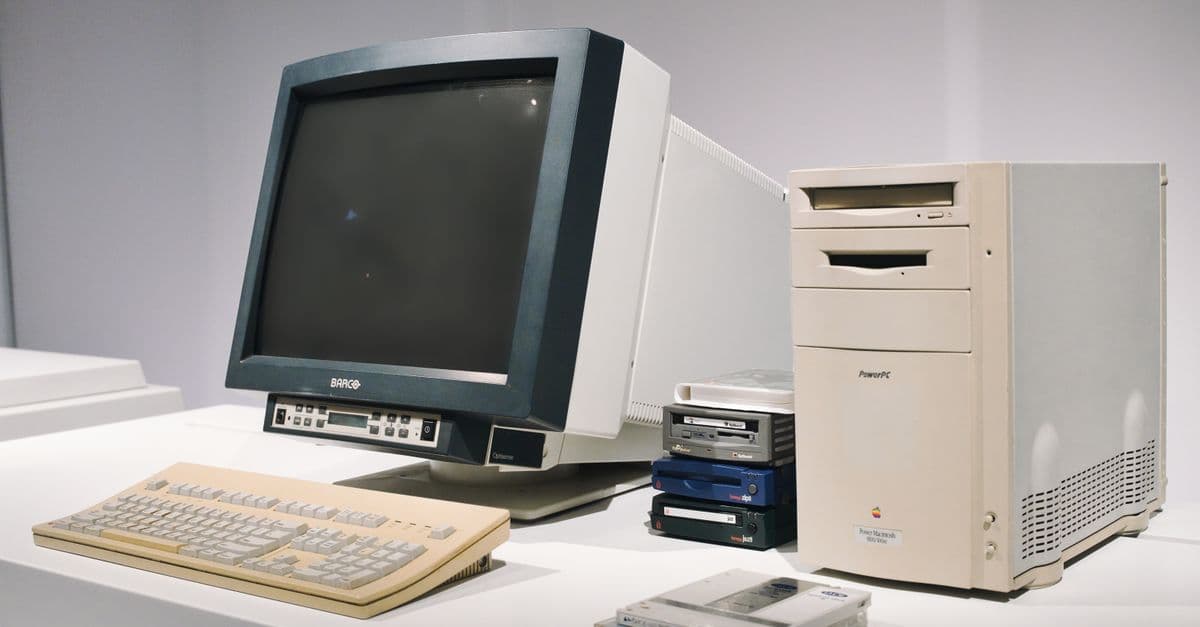
How the World's First Computer Worked
ENIAC, Z3, Colossus, ABC, Babbage — which was really the first computer? How they worked, who built them, and why the answer depends on definitions.

How to Build a Second Brain with Digital Note-Taking
Your memory is a retrieval system, not a storage system. A brain neuron firing at the moment you need to recall information is vastly more important than the amount of information you have stored. Digital note-taking tools—Obsidian, Notion, Roam Research, LogSeq—enable you to externalize information into a structure that enhances retrieval. The framework is Tiago Forte's PARA system: Capture raw information, Organize into Projects and Areas, Distill into clear ideas, Express by synthesizing notes into written work. This is not about collecting notes passively; it is about building a networked knowledge system where ideas link, cross-pollinate, and compound over time. The science of external memory and spaced repetition shows that people who maintain a 'second brain' learn 20-40 percent faster than those who rely on biological memory alone.

The Best Note-Taking Systems for Researchers and Students in 2026
Serious knowledge work demands systems that connect ideas, surface relationships, and compound in value over time. Zettelkasten interlinks ideas into an evolving network. PARA (Projects, Areas, Resources, Archives) organizes notes by output, not topic. Evergreen notes resist decay by forcing continuous refinement. These three systems represent a shift from note-taking as transcription toward note-taking as knowledge infrastructure. This guide covers the mechanics of each system, tools that support them (Obsidian, Roam, Logseq, RemNote), practical workflows, and a comparison table showing when each system excels. The goal is sustained, retrievable, network-enabled knowledge.
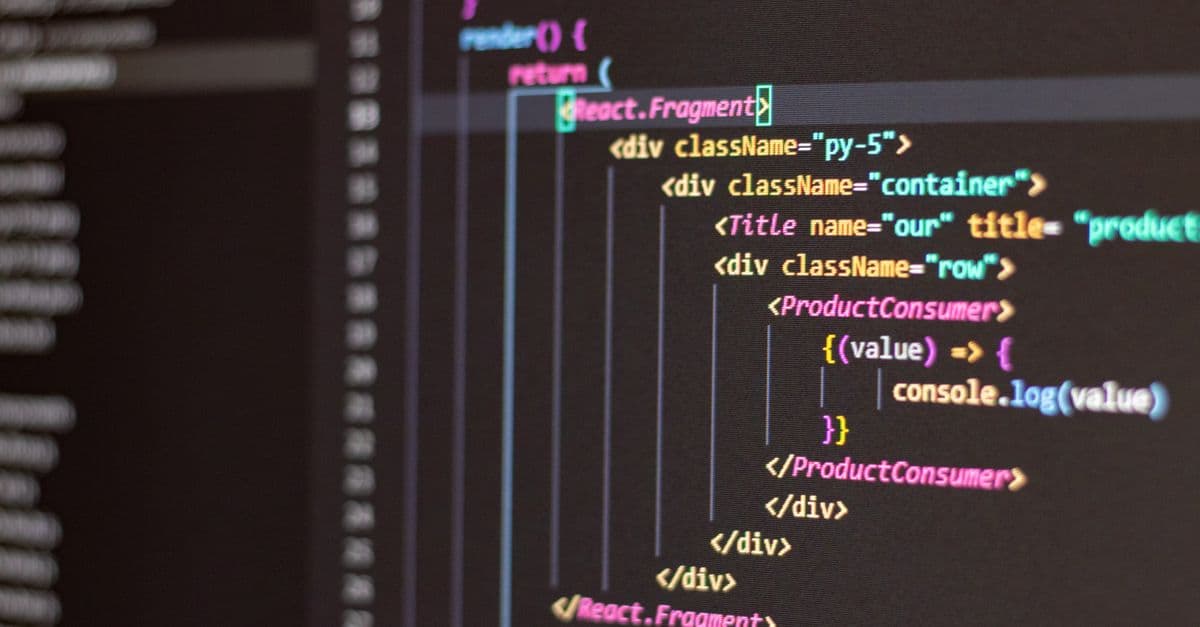
Best Web Development Tools 2026 — Editors & Frameworks
Essential web development tools 2026: VS Code, Git, npm, React, Vite, Vercel, PostgreSQL. Complete free stack for building and deploying modern websites.

Best AI Tools for Students in 2026: Ranked and Reviewed
From writing assistants to research tools, here are the AI tools students actually use — and which ones are worth your time.